Kostenloser Versand ab 50 Euro
 500.000+ zufriedene Kunden
 TÜV-ShopIdent geprüft
 30 Tage Geld-zurück-Garantie

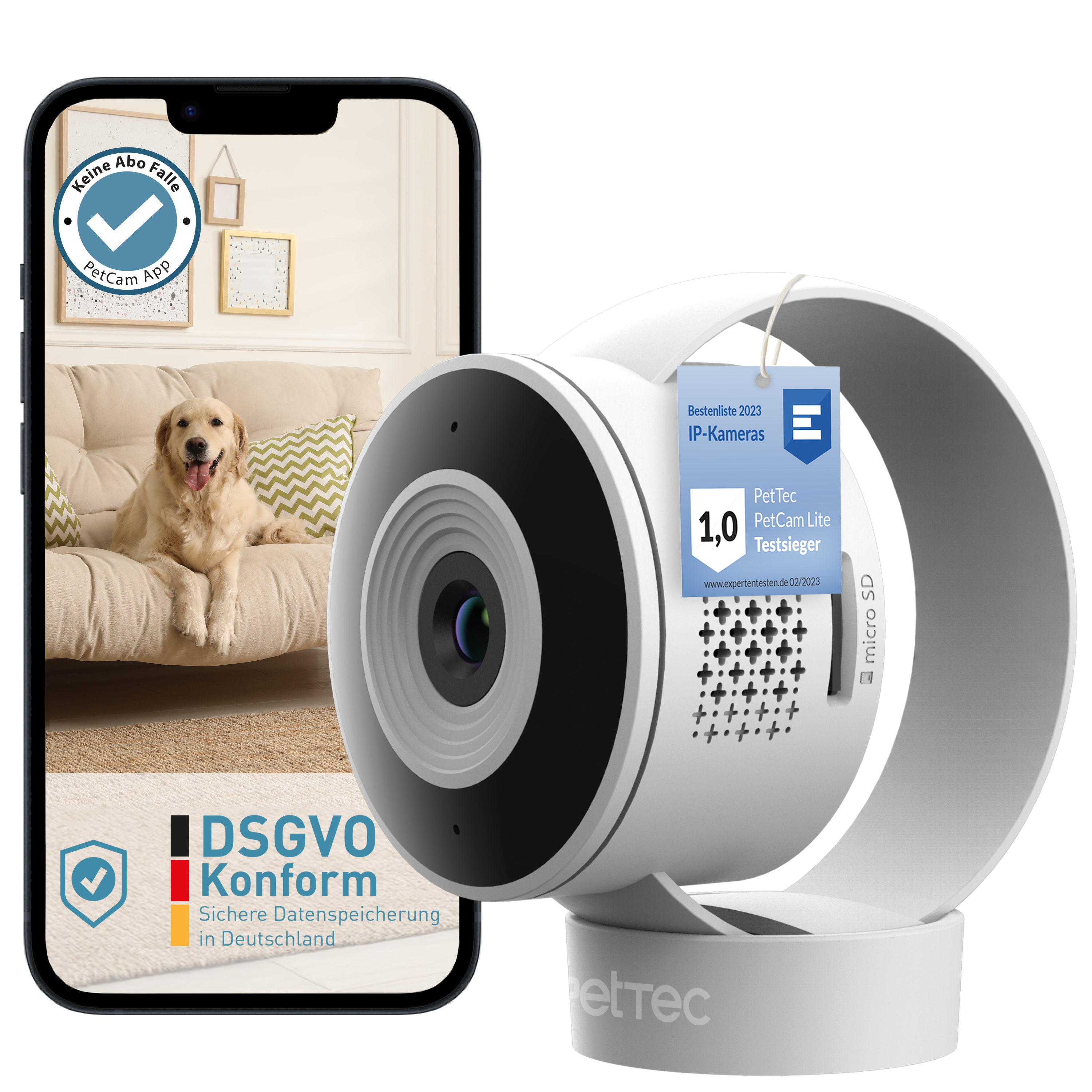
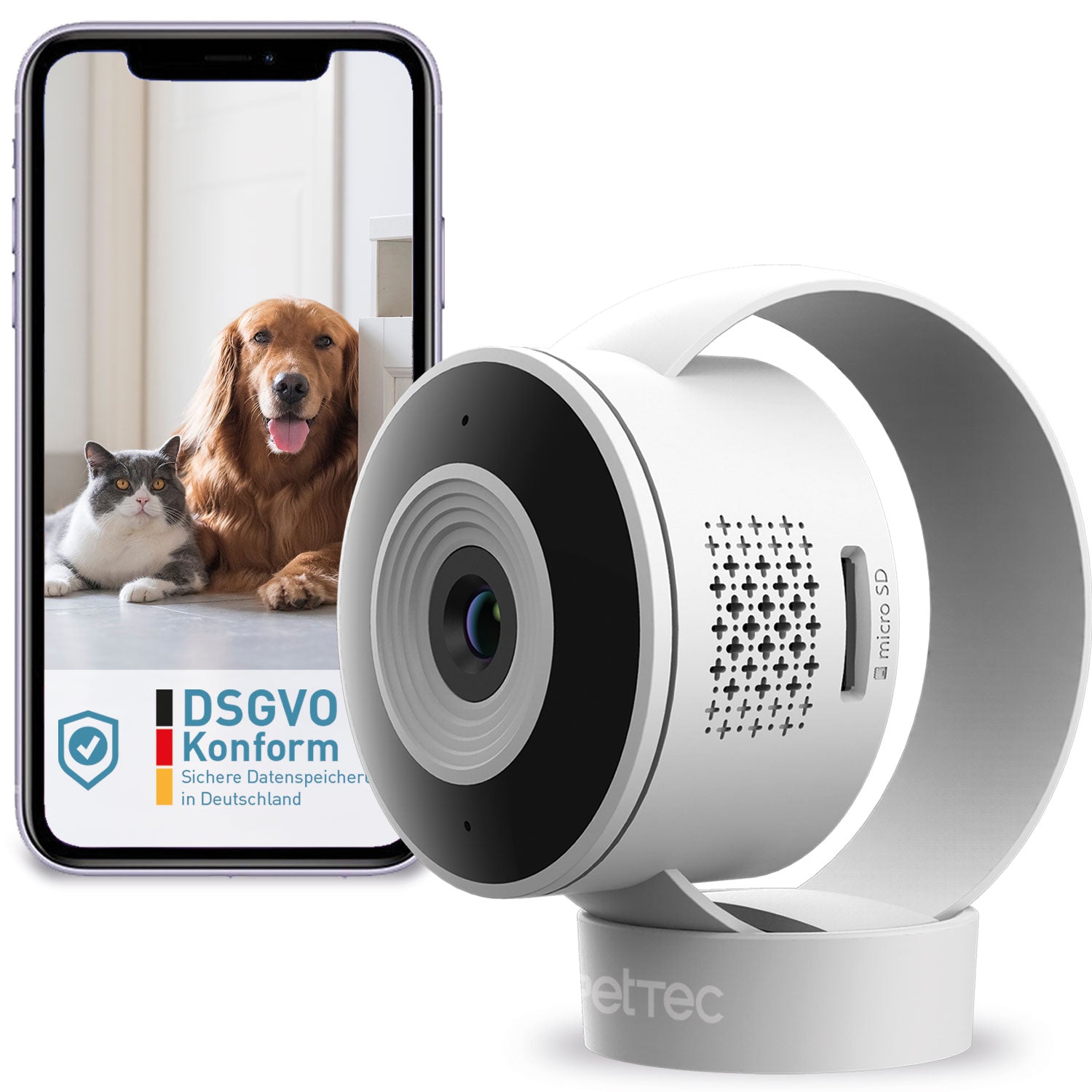
With the Pet Cam Lite (15726) and the Pet Cam 360° (15368), motion detection can be individually switched on and off, and sensitivity can be adjusted in 3 levels.
Step 1: Go to individual camera settings

Step 2: Click on "Alarm setting"

Step 3: Click on "Motion detection"

Step 4: To activate motion detection, please click the blue highlighted area

Step 5: Select the appropriate motion detection sensitivity level (Low / Medium / High)

Important note: To receive pop-up notifications for every detected movement, the PetTec App must have been granted permission to send these notifications! Permission is granted via the smartphone settings!
In the PetTec App, the reception of notifications can also be switched on and off (see screenshot below)! The reception of notifications can be individually switched on and off for each camera in the camera settings, just like motion detection!

Still have questions?
Please feel free to contact our PetTec customer service directly via the contact form:
Please click here to contact PetTec